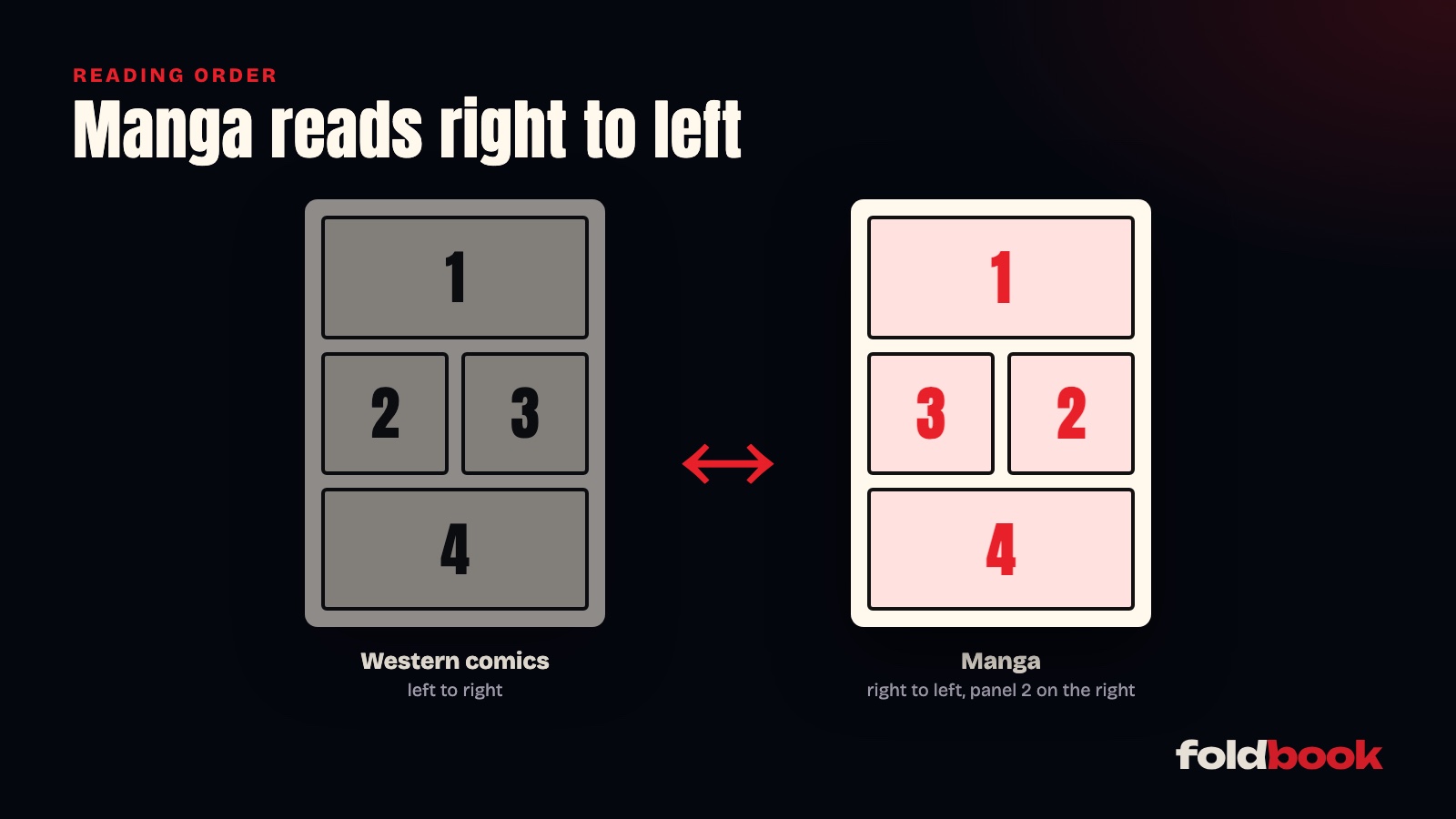
Manga reads right to left: you open it from what would be the back cover of an American comic, and read the panels starting at the top right corner. On a tablet, you need a reader that turns pages in that direction and remembers it for the whole series, instead of asking again with every volume. In Foldbook, that usually happens on its own, and one tap handles the rest.
Why does your manga open the wrong way?
A CBZ or CBR file is just a series of images packed into an archive. Nothing forces the file to say which way it reads. When it says nothing, most readers assume a Western comic: you swipe left to move forward, and page 2 shows up where page 1 should be. Not great in the middle of a fight scene.
Some files do say it. A CBZ can include a small file called ComicInfo.xml, with a line marking it as manga. A PDF can also declare its reading direction in its display preferences. Files prepared with a tool like ComicTagger often carry this information.
How does Foldbook pick the direction?
Foldbook checks, in this order:
- the direction you picked with the button in the reader, remembered for the whole series;
- otherwise, what the file declares (ComicInfo.xml in a CBZ, display preferences in a PDF);
- otherwise, the library type: a library set to Manga reads right to left.
So the easiest setup is to keep your manga in its own library, set to the Manga type. Every series then opens the right way, even the ones whose files say nothing. For CBR files, that setting is what counts: Foldbook doesn't read the direction stored in a CBR yet.
What about the exceptions, like a Korean manhwa printed as a book that reads left to right? Tap the direction button in the reader once. Foldbook remembers it for the next volumes of that series.
What about two-page spreads on iPad?
With an iPad in landscape, Foldbook shows two pages side by side, in manga order, with the right-hand page first. Double-page artwork, those big images that span both pages, opens whole instead of being cut in half. And the page turns under your finger, right to left, like a printed book.
For busy action scenes, panel-by-panel reading helps too: on iPad in landscape, the current panel shows large on one side and the full page on the other.
Where should a long series live?
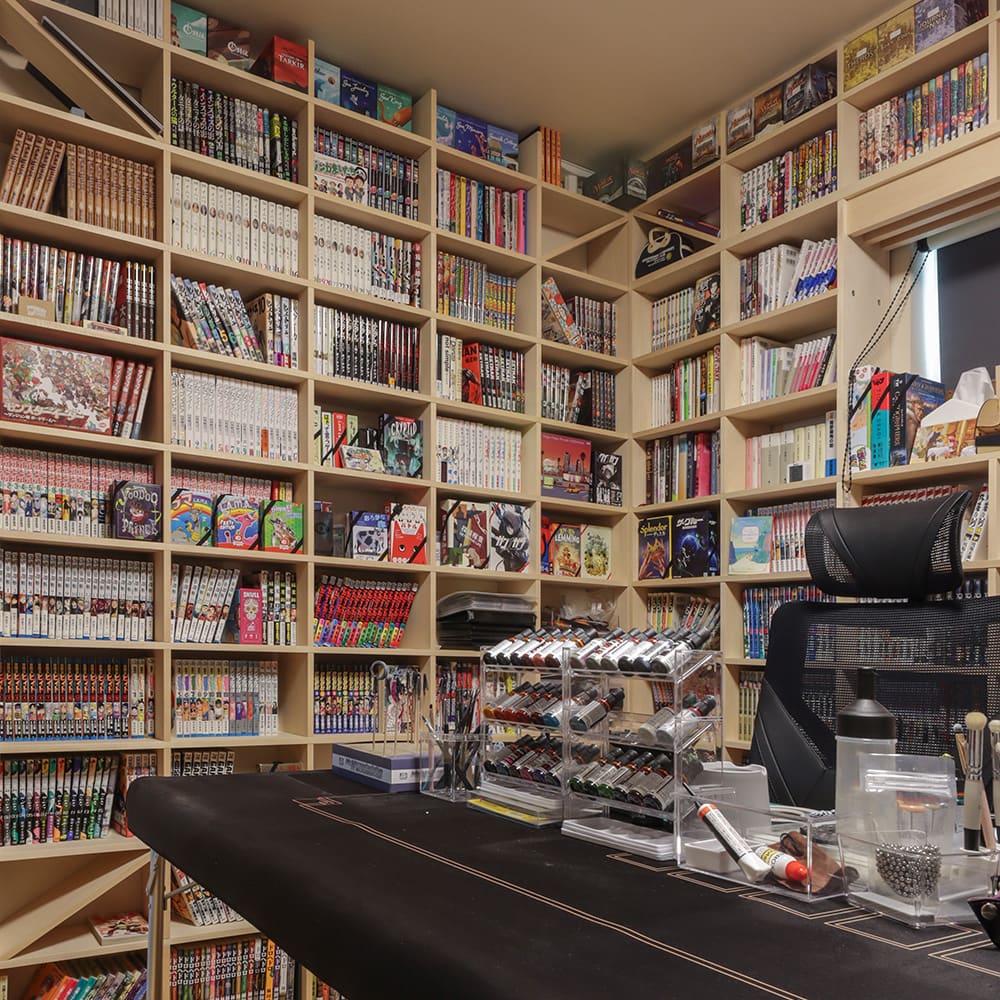
A series past a hundred volumes, like One Piece, eats a lot of tablet storage. Keeping the files on a NAS, or on a computer that shares a folder, keeps your tablet free: Foldbook reads CBZ files page by page on the NAS, without downloading the whole volume. The guide to reading your comics from a NAS shows how to connect yours.
For a flight, download a few volumes before you leave and remove them with one tap once you're done. And if you also read on an Android phone, Foldbook has the same reader there, reading direction included. With an optional account, you pick up on the same page from one device to the next.
Other questions people ask
Do I need to rename my files so volumes stay in order?
Names that include the volume number work best, like "One Piece 01.cbz" or "One Piece 001.cbz". Foldbook sorts volumes by their numbers, even without leading zeros.
My manga is in PDF. Does it work the same way?
Yes. Foldbook reads PDFs with the same reader, reading direction, spreads and zoom included. If the PDF declares its reading direction, Foldbook follows it.
Does Foldbook find manga for me to read?
No. Foldbook reads the files you already have, bought DRM-free or scanned yourself. It doesn't sell or provide any books.