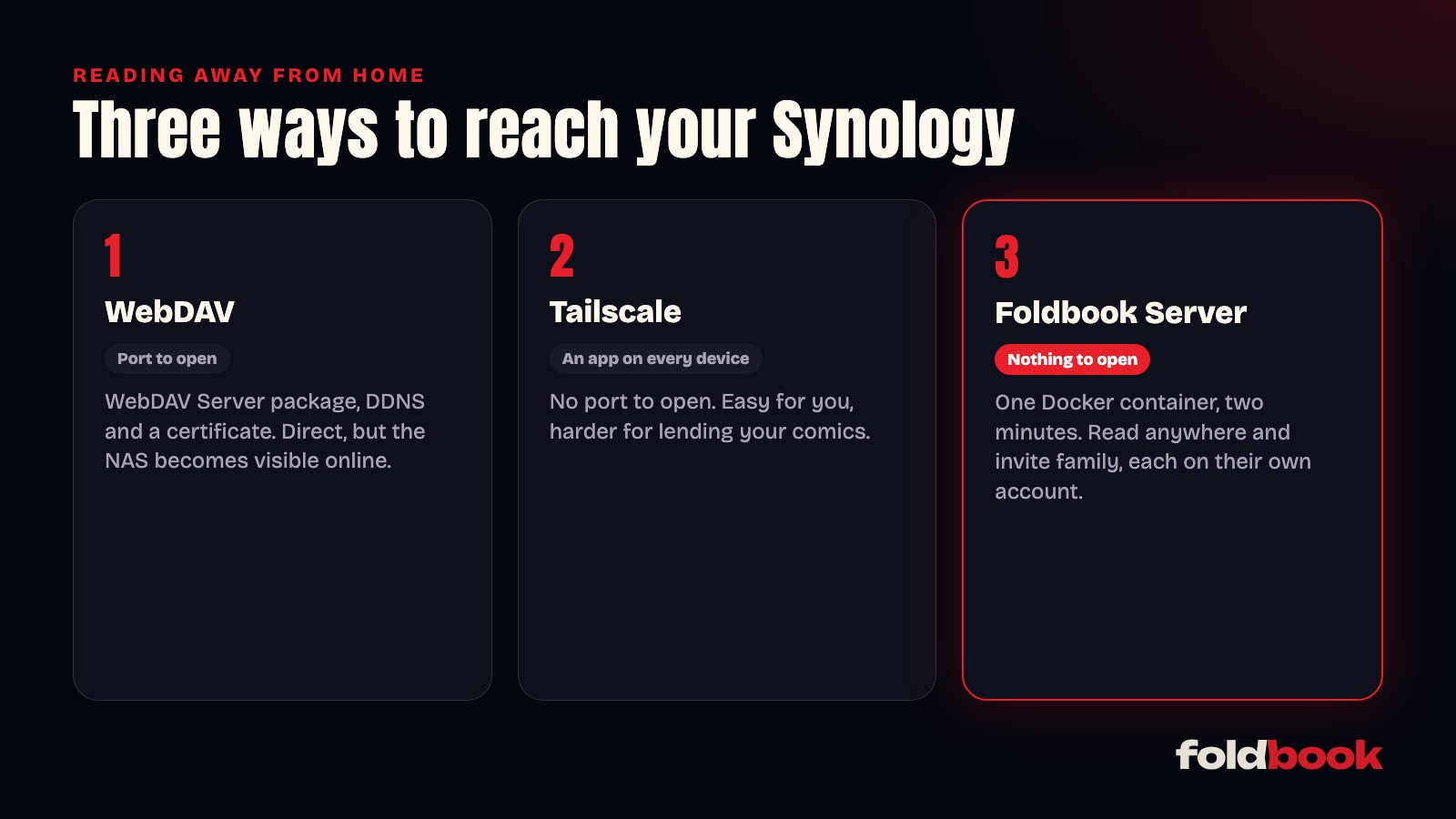
Your Synology's SMB share only works at home. To read your comic collection on cell data, at work or on vacation, you have three options: WebDAV, a VPN like Tailscale, or Foldbook Server. WebDAV means opening a port on your router, Tailscale means an app on every device, and Foldbook Server needs nothing opened at all, while also letting you lend your library to family and friends.
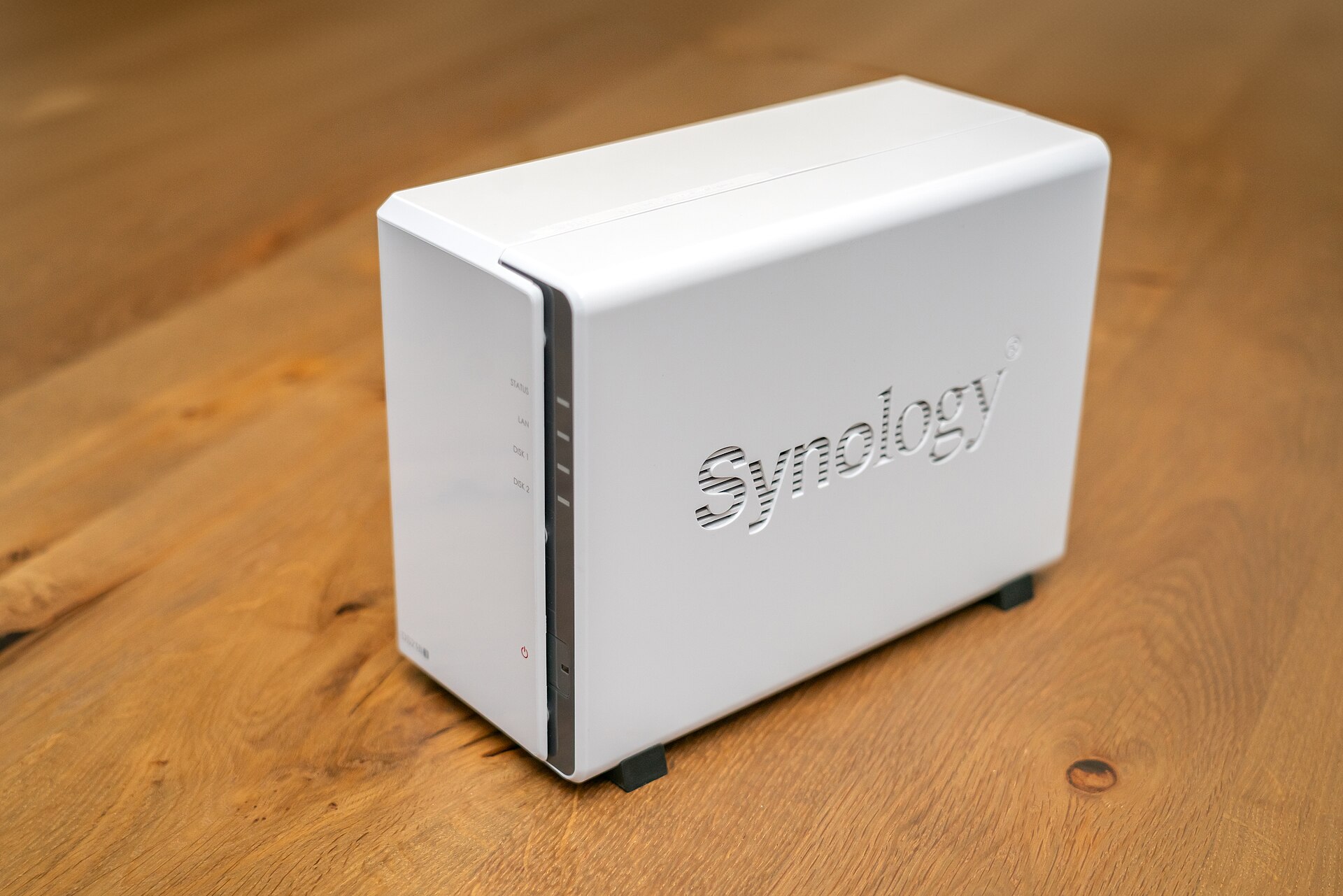
Why does the NAS share stop working outside?
At home, your phone and the NAS sit on the same network: Foldbook reads files over SMB, the same share your computer uses. Outside, that network can't be reached, which is exactly how it should be.
Option one: WebDAV
WebDAV is another way to read files, designed to work over the internet through HTTPS. Synology offers it through the WebDAV Server package, available in Package Center. In Foldbook, you then add the server by its https address, and your library opens anywhere, CBZ page by page included.
You still need to make the NAS reachable from the internet:
- forward the WebDAV port (5006 by default, over HTTPS) on your router;
- give the NAS an address, for example with Synology's free DDNS;
- install a certificate, which DSM handles with Let's Encrypt.
It's the most direct option, but your NAS becomes visible on the internet. Use a strong password and keep DSM up to date.
Option two: a VPN like Tailscale
Tailscale connects your devices to each other as if they were on the same network, wherever they are. The Tailscale package is in Synology's Package Center, and the app runs on iPhone, iPad and Android. Once both are connected, Foldbook sees the NAS as if you were home, through its Tailscale address, and there's no port to open.
The catch: every device that reads needs Tailscale installed and connected. Fine for you. Harder when you want to lend your comics to your mom or a friend.
Option three: Foldbook Server
Foldbook Server is a Docker container that runs on your NAS, next to your books. It connects to Foldbook's relay on its own, so there's no port to open on your router. On a Synology, it installs in Container Manager by pasting one file, then links to your Foldbook account with a six-digit code. The Foldbook Server page covers each step.
You can then read your library anywhere, and invite people: each person reads with their own account, on iPhone, iPad or Android, and you choose which series they see. The relay passes pages along without keeping them. Remote reading and lending need the Foldbook+ subscription; the people you invite read for free.
Which one should you pick?
| WebDAV | Tailscale | Foldbook Server | |
|---|---|---|---|
| Port to open on the router | Yes | No | No |
| Extra app on every device | No | Yes | No |
| Lend to family and friends | Tricky | Tricky | Yes, each with their own account |
| Price | Free | Free for personal use | Foldbook+ |
Reading on your own, Tailscale is simple and free. For the whole family, Foldbook Server saves you from setting anything up on other people's devices. And if your NAS already serves WebDAV, just add it in Foldbook.
Other questions people ask
What about QuickConnect?
QuickConnect is for Synology's own apps and website. Foldbook doesn't use it: you need WebDAV, a VPN or Foldbook Server.
Does reading on cell data use a lot of data?
Foldbook only loads the pages you read, not the whole volume. For a long trip, download volumes before you leave so you can read them offline.
Do my settings change between home and away?
With Foldbook Server, no: the same library works everywhere. With WebDAV, you can keep both, the NAS over SMB at home and WebDAV when you're out.