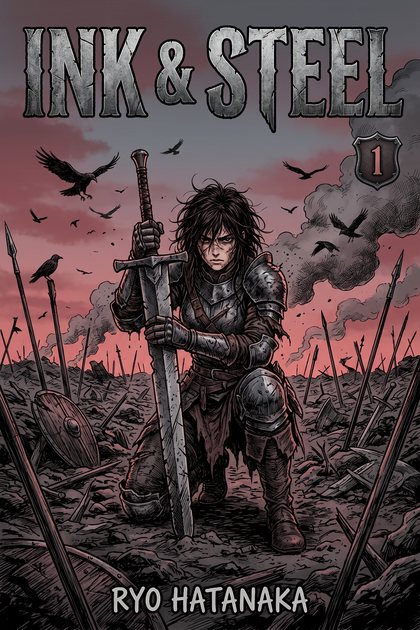
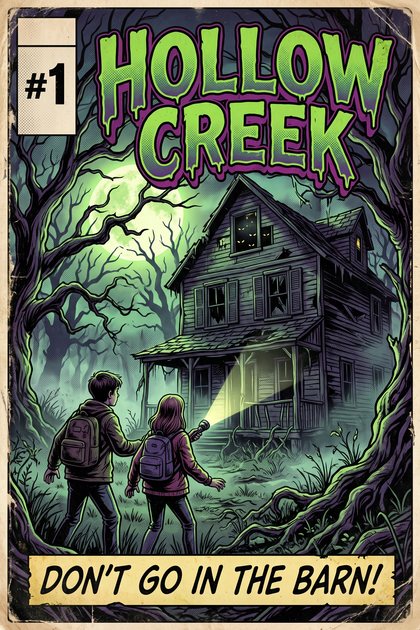
Your comics, manga and books, read right where you keep them.
For Android, iPhone and iPad
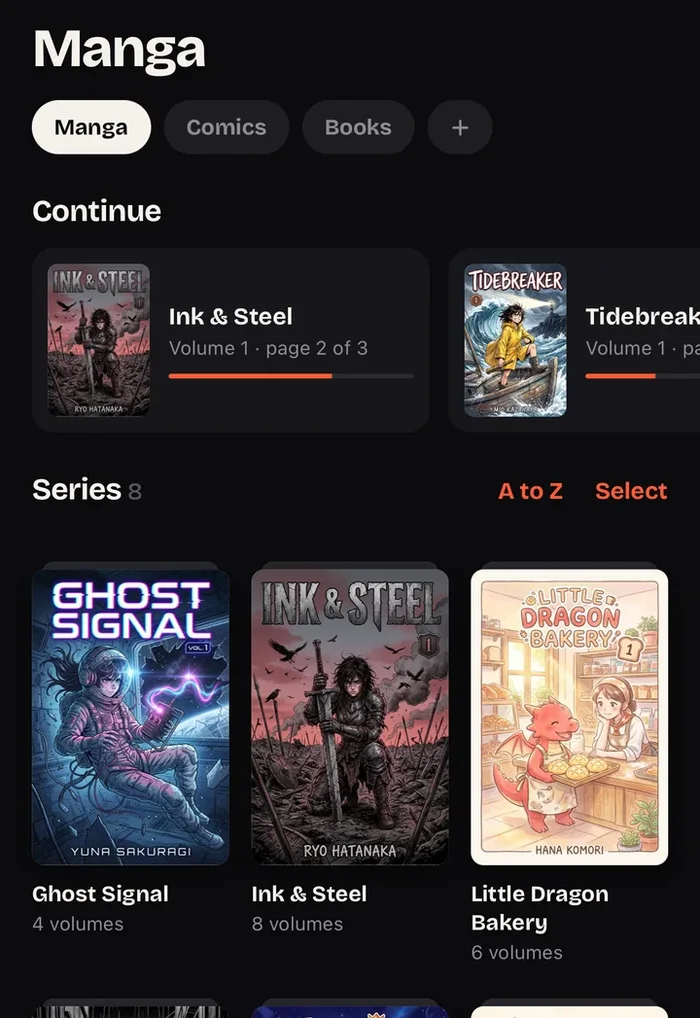
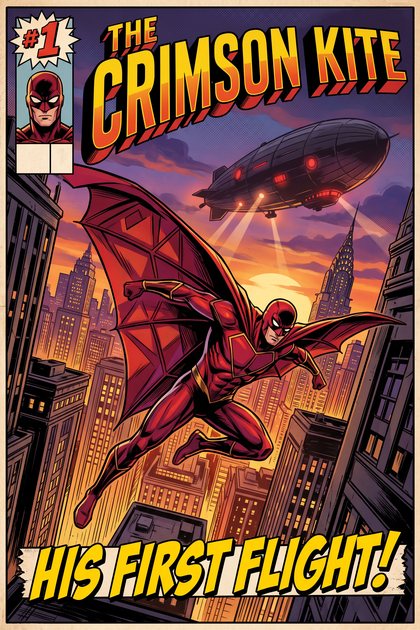
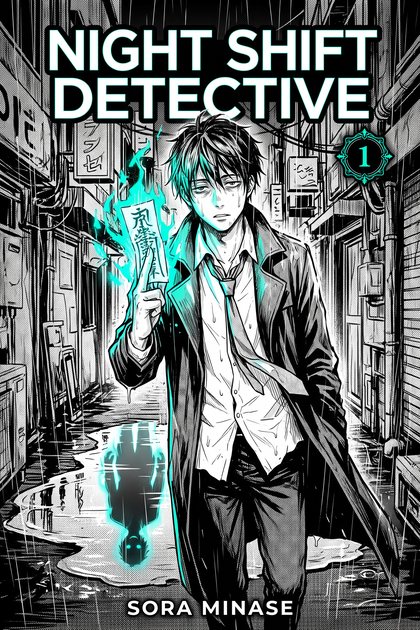
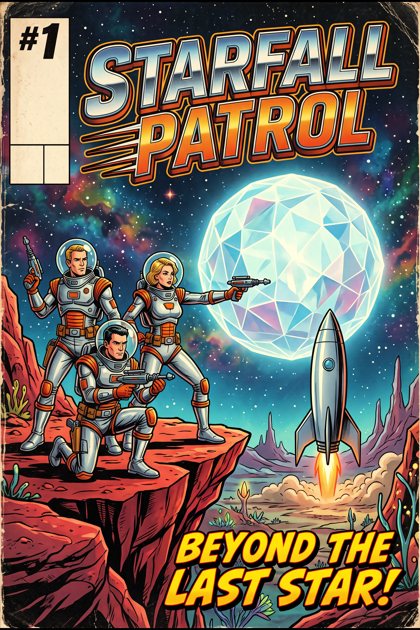
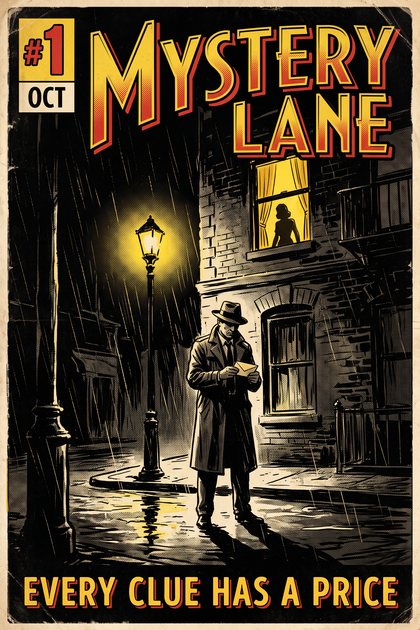
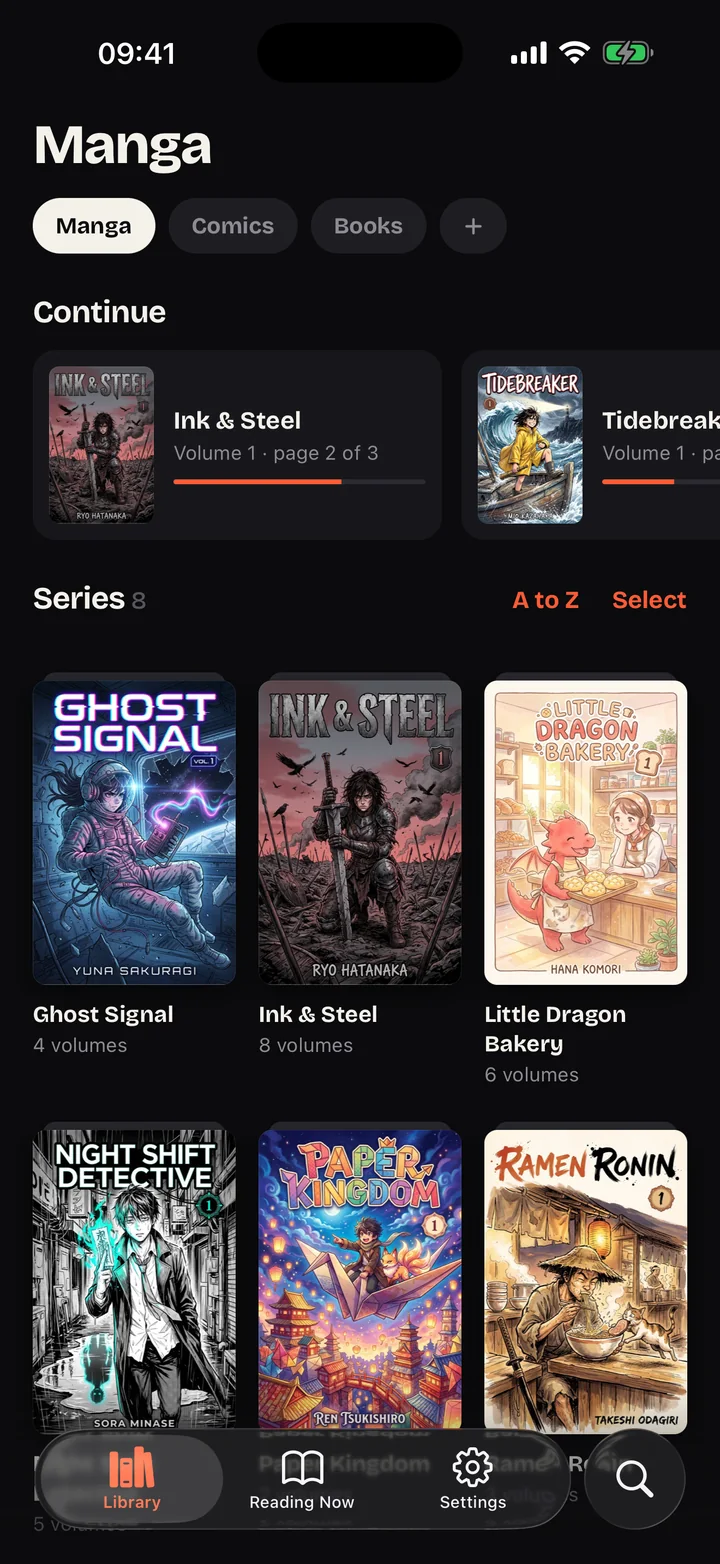
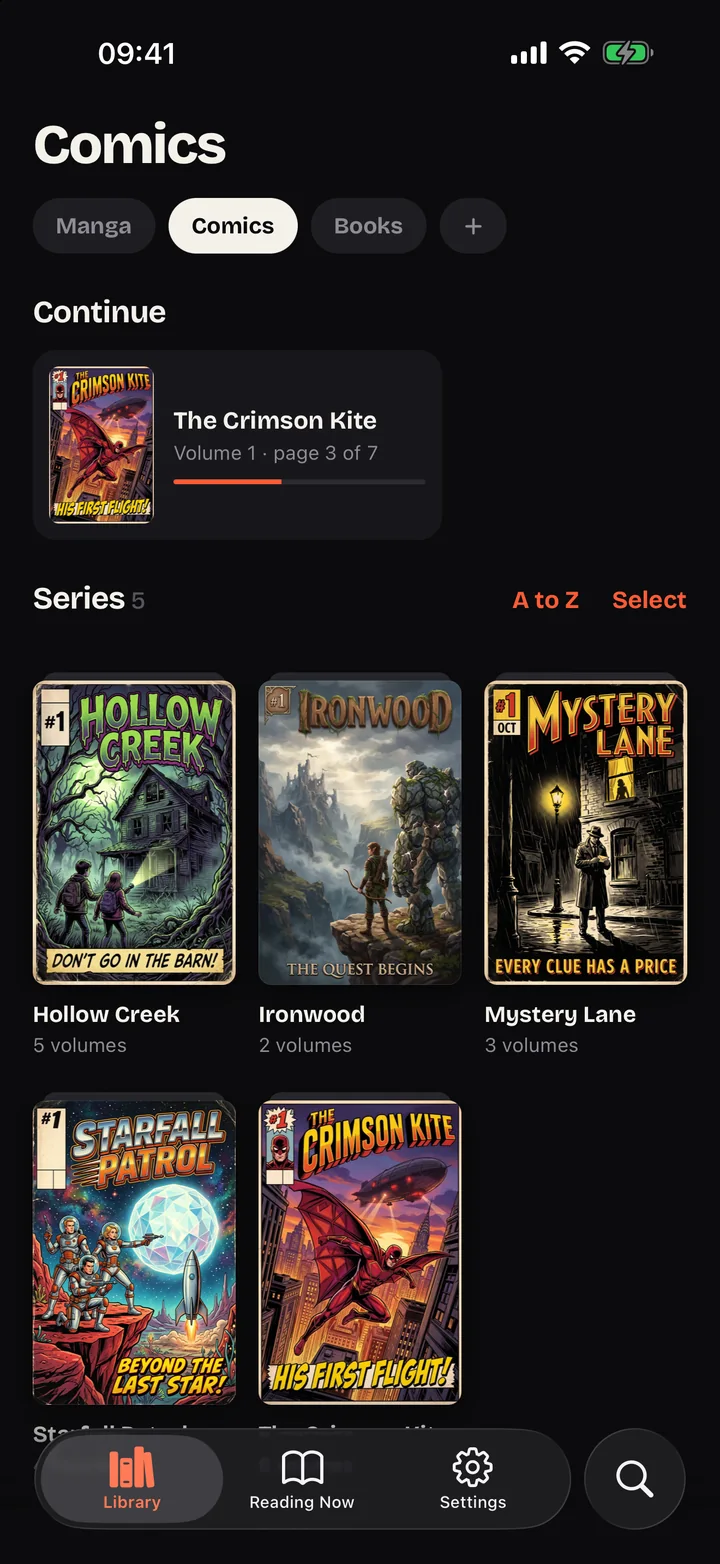
Series are grouped by folder, covers show up on their own and volumes line up in order, numbers included.
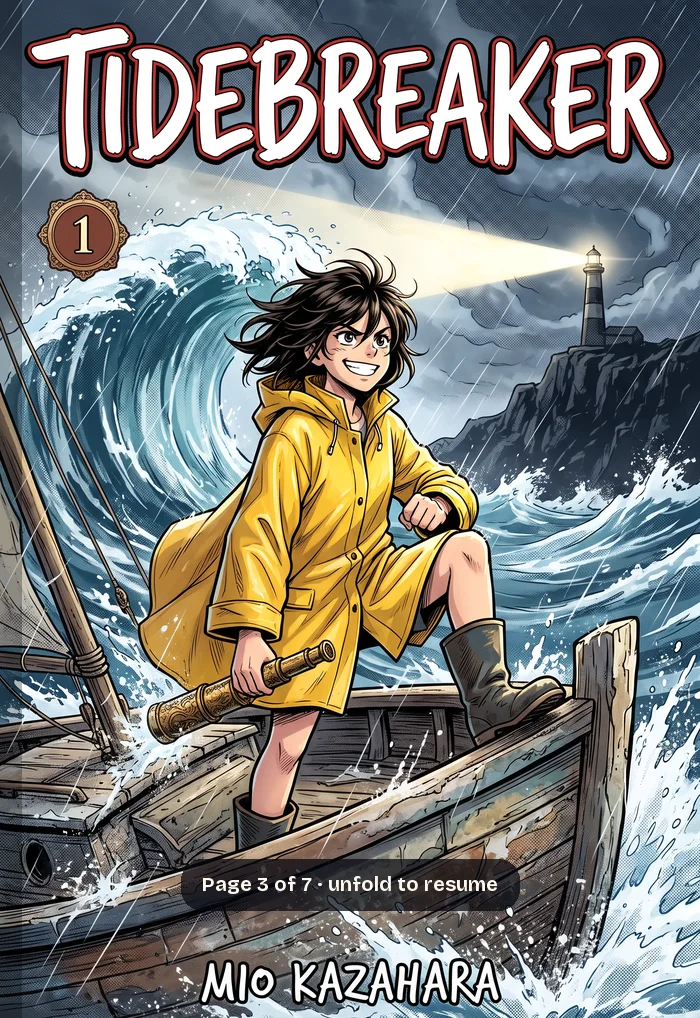
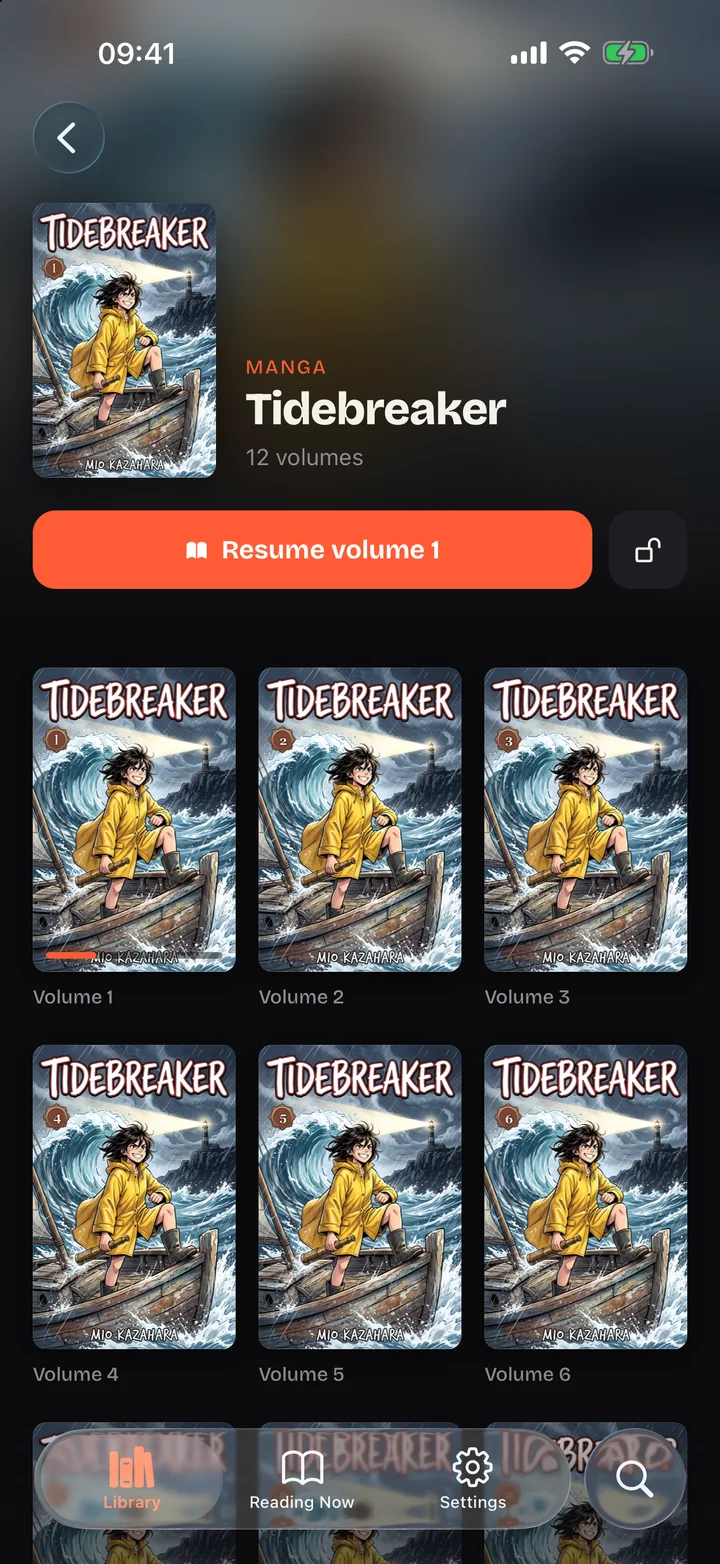
The summary, the genres, the trailer, and a button to pick up where you were.
A volume started on your tablet continues on your phone, page for page.
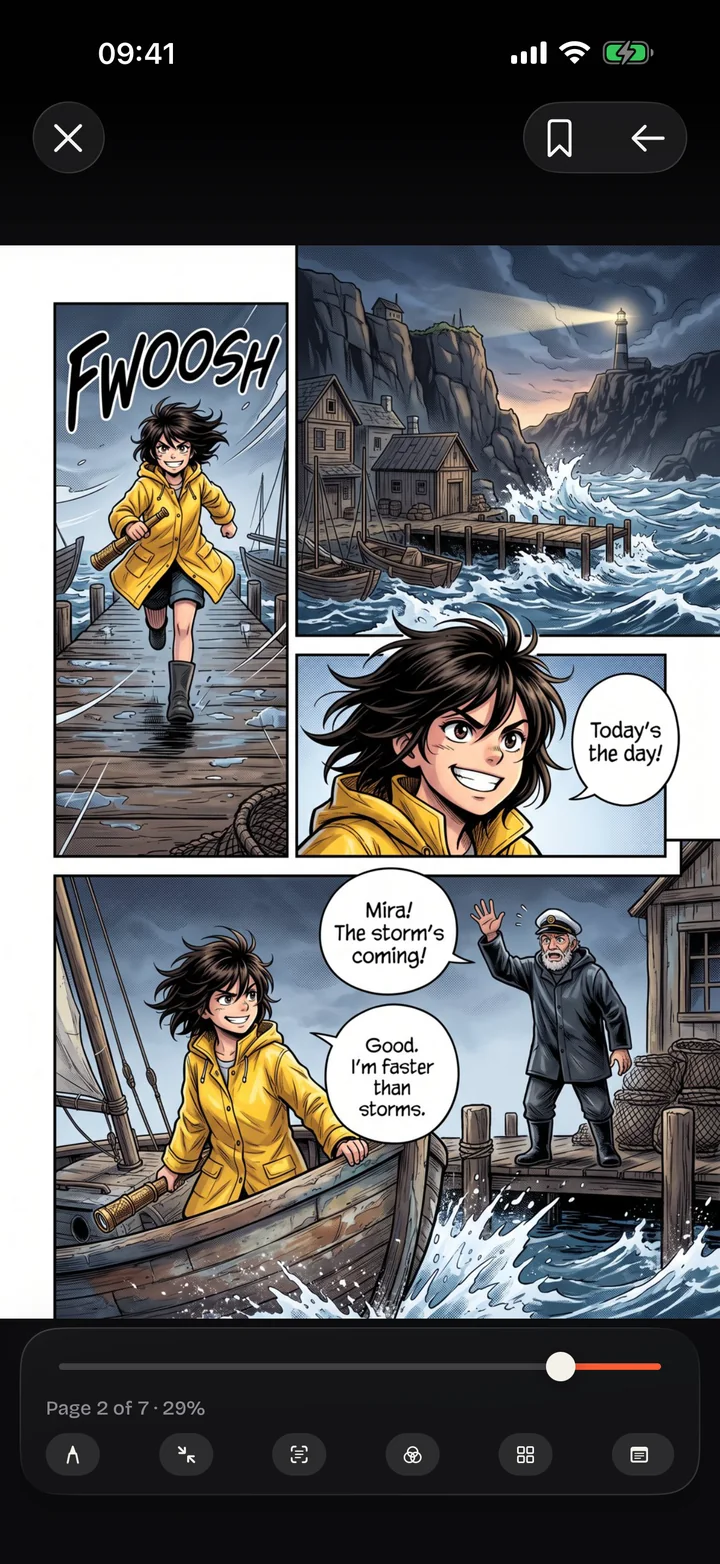
Reading
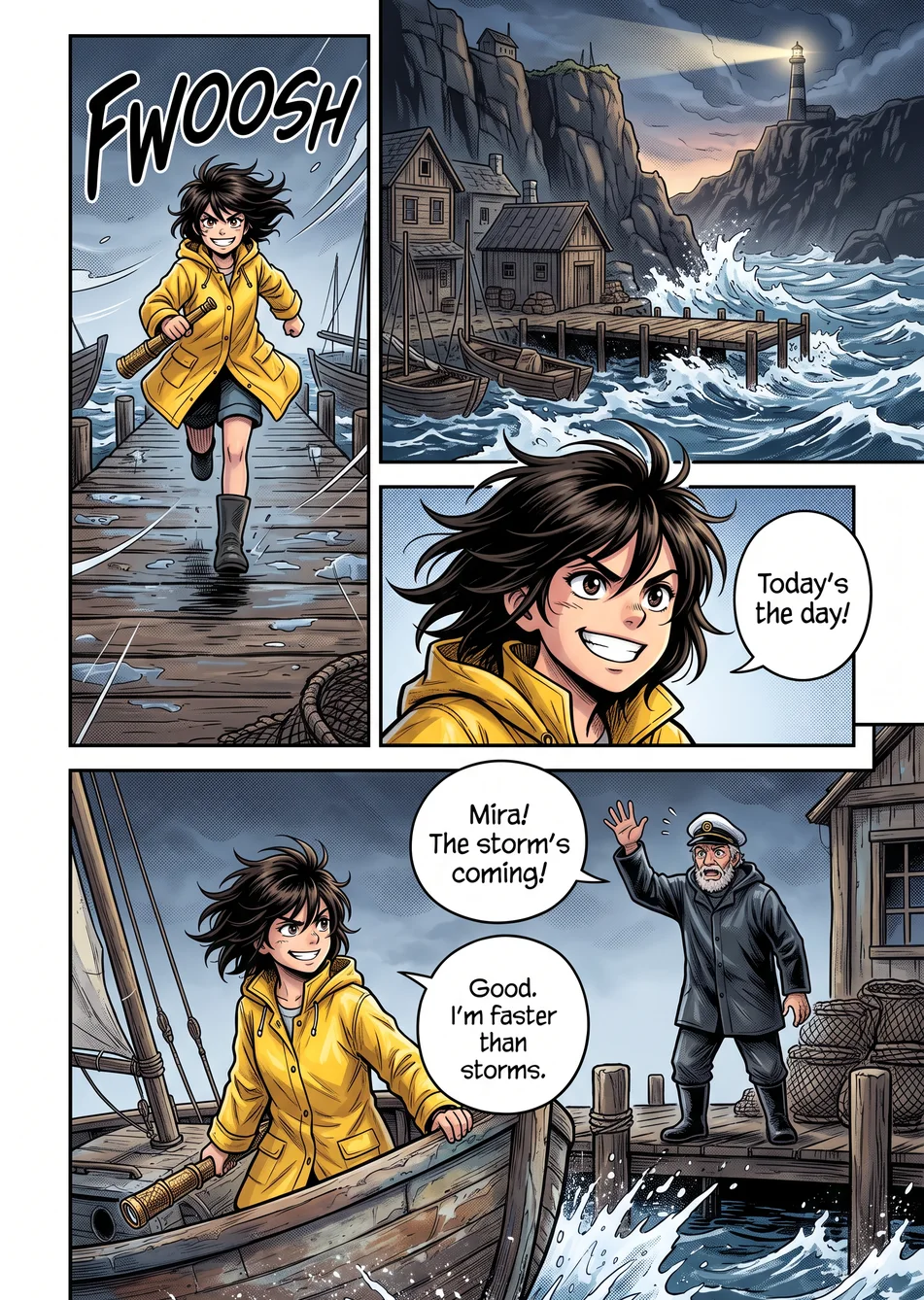
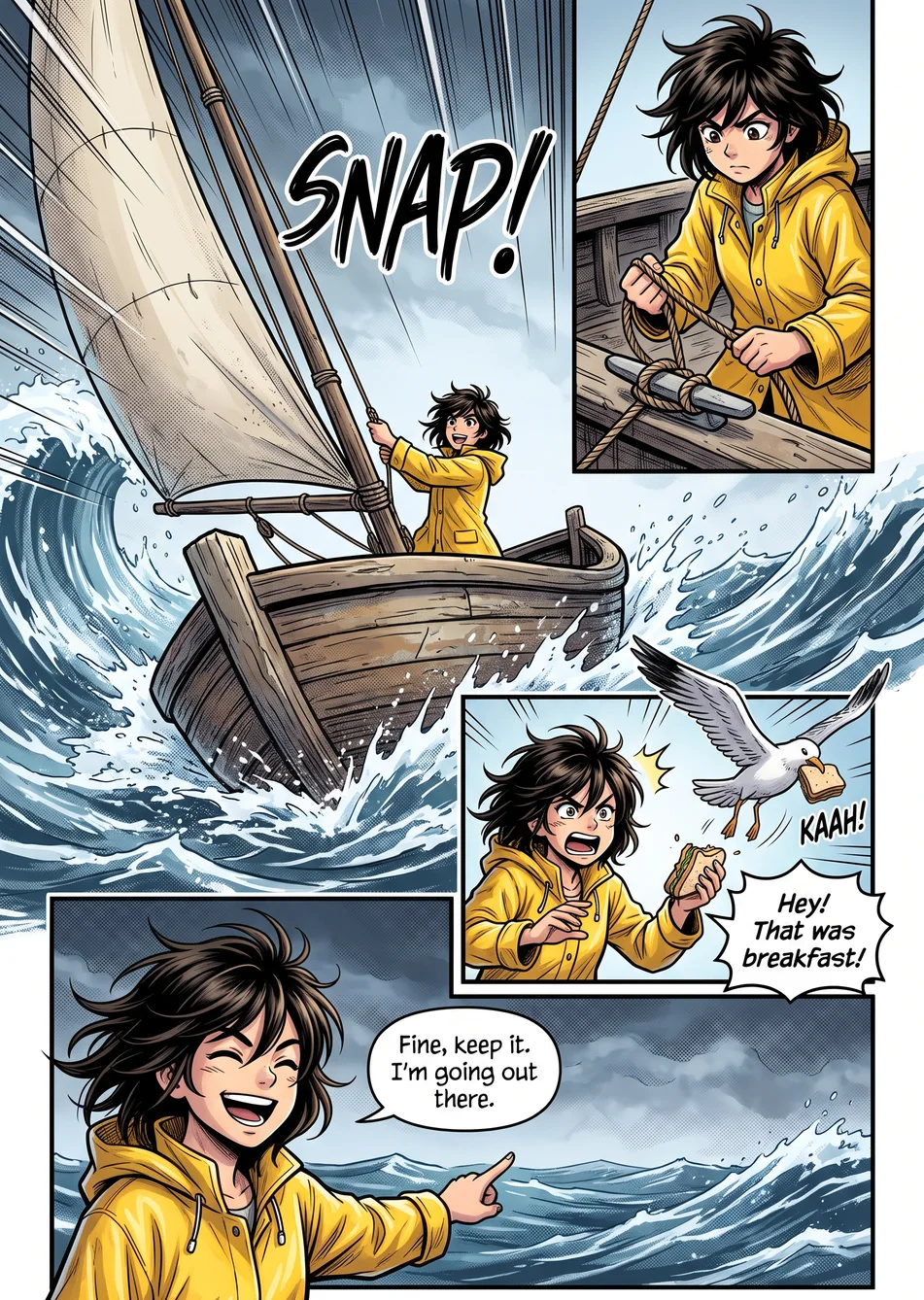
It curls, shows its back and follows your hand, like a real sheet of paper.
Formats
Your library
Foldbook reads your files where they are. It doesn't sell or supply any books.
Synology, QNAP, or a Mac or PC sharing a folder over SMB. Volumes open page by page, with no download first.
Pick a folder in the Files app and it becomes a library, read in place, never copied.
Nextcloud, Synology WebDAV, and the Komga, Kavita and Calibre-Web catalogs.
A CBZ from AirDrop or a downloaded PDF: open it with Foldbook and it joins your library.
On iPad
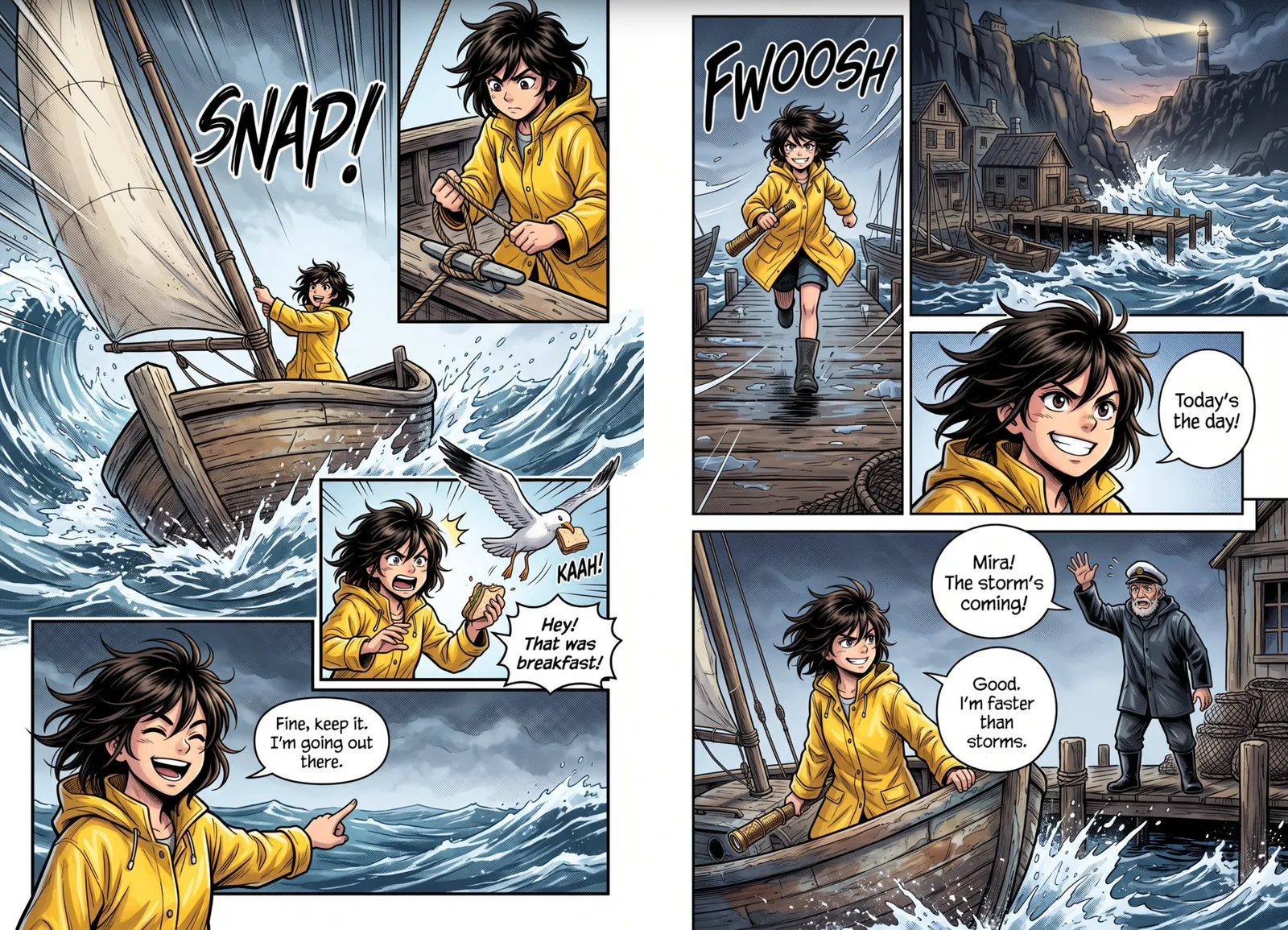
In landscape, the iPad shows the full spread and opens wide pages whole.
iPhone Duo
Folded, Foldbook puts its tabs and the time in the Duo's vertical bar. Your library gets the rest of the screen.
Folded, the Duo shows the cover of the volume you are reading, like a closed book. Open it to pick up again.
The spread opens where you left off, both pages side by side like a book lying flat.
Held like a book, the Duo keeps each page on its own side of the hinge.
And the rest
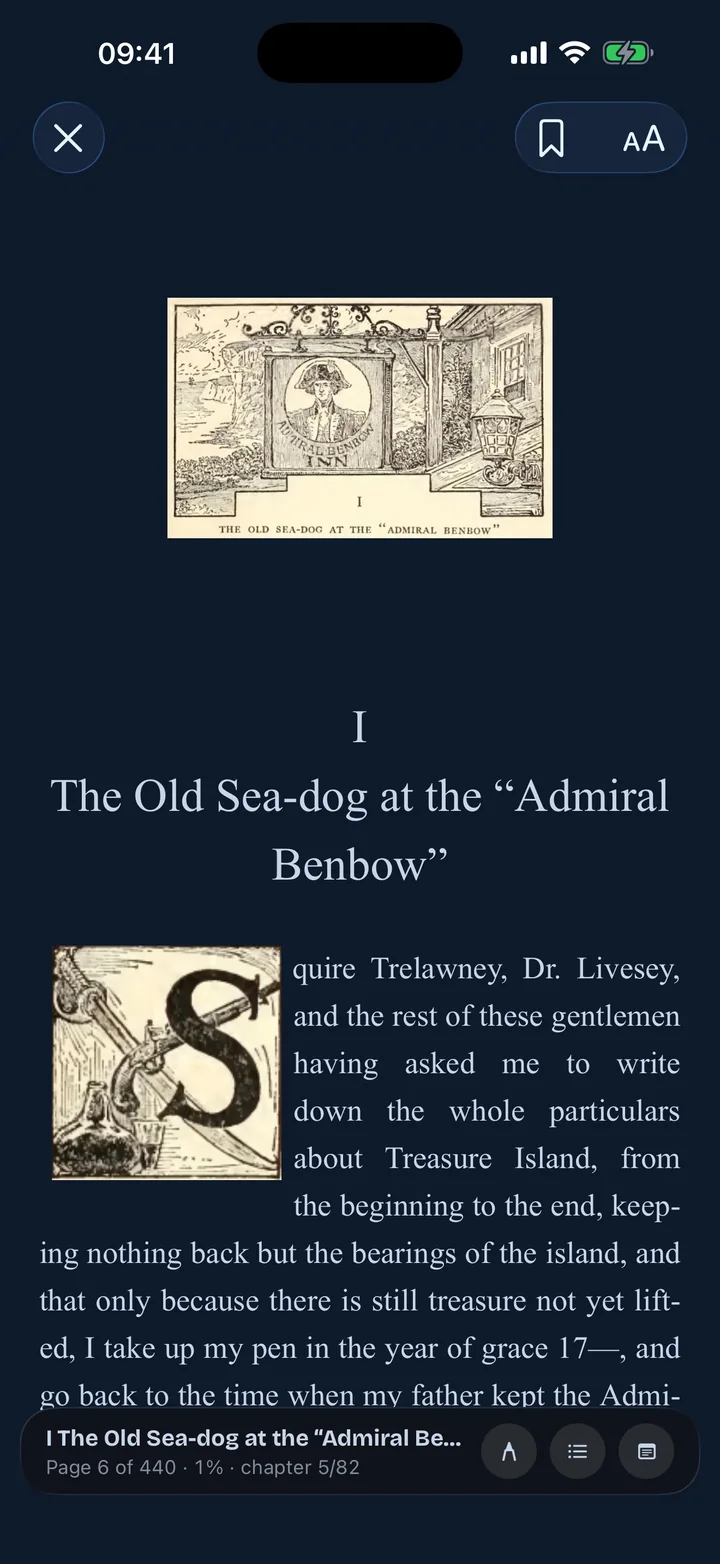
EPUBs in paper, sepia or night themes, with fonts, highlights, notes and a table of contents.
Keep a volume or a whole series for the flight, and remove it with a tap once read.
On an iPad in landscape, the panel large on one side and the whole page on the other.
With the optional account, your progress, bookmarks and notes move between devices. Without one, they stay on your NAS.
The comics you already own, your family doesn't have to buy again. You invite them, choose what each person sees, and they read for free from their own home. With Foldbook+, your library also follows you on 4G, at work or on holiday.
7 days free trial
Then billed every month
12 months for the price of 10
Billed once a year
Reading at home stays free, with no subscription.
One person subscribes. Everyone reads.
 YouYou lend your libraryFoldbook+
 CamilleEvery libraryFree
 Leo, 11Manga, minus 3 seriesFree
 Grandma JeanneComics and novels, from her placeFree
Leo reads your One Piece. Grandma rereads your Asterix. Nobody buys a volume twice.
Your privacy
No ads. No analytics. Without an account, Foldbook collects nothing. Your books never leave your servers.
Questions
A NAS folder over SMB (Synology, QNAP, or a Mac or PC sharing a folder), a WebDAV server (Nextcloud, Synology), a folder from iCloud Drive or the Files app, an OPDS catalog (Komga, Kavita, Calibre-Web) and the files on your device. Tap “+” in the library to add one.
CBZ, CBR (RAR4 and RAR5), CB7, PDF and EPUB.
Check that your device and NAS are on the same network and that SMB sharing is on. On iPhone and iPad, Foldbook also needs access to the local network (Settings › Privacy & Security › Local Network). Away from home, use WebDAV, a VPN, or Foldbook Server.
No. Without one, your progress goes into a small file, .folio-progression.json, at the root of the share of your first NAS library, and every device reading that share finds it there. The optional account keeps your setup, progress and notes for all your devices.
In Foldbook, Settings › Account › Delete my account. Everything the account keeps is erased right away.
Foldbook is on iPhone, iPad and Android.